I agree to receive transactional SMS messages from Healthee. Msg frequency varies. Msg & data rates may apply. Text STOP to unsubscribe and HELP for help. Privacy PolicyTerms of Use
AI in HR can feel like a moving target. New tools appear every week, expectations keep rising, and professionals like yourself are being asked to make technology decisions that affect employees, managers, and sensitive data.
The pressure is real, but it doesn’t mean your team is late. As of a few months ago, half of employed U.S. adults reported using AI in their role at least a few times a year, while only 13% used it daily. That suggests many teams are still learning what consistent, useful adoption looks like, even as AI becomes more visible at work (Gallup, 2026).
It’s reasonable to feel cautious as someone in HR. Your work involves personal information, employment decisions, and moments when employees need a human response. Instead of asking “How do we use AI everywhere?” ask, “Which one workflow can we improve responsibly right now?”
In this blog, we’ll talk about how to choose your first use case, manage risk, and build confidence when working with AI.
How should you start approaching AI in HR?
At its simplest, AI in HR means using technologies (machine learning, generative AI, intelligent assistants) to automate repetitive work, gain insights from people data, and support better decisions.
The goal is to remove the busywork so you have more time for high-impact projects. This technology matters because HR is increasingly asked to lead change.
But a common assumption is that an organization needs a polished AI strategy before testing a use case. That can leave HR teams debating abstract possibilities without the firsthand evidence needed to make good choices.
A contained pilot can show where employees need support, how much review is required, and whether a tool actually improves the work. When you start small, you’re better equipped to define boundaries, watch the results, and learn where AI is useful and where human judgment remains essential.
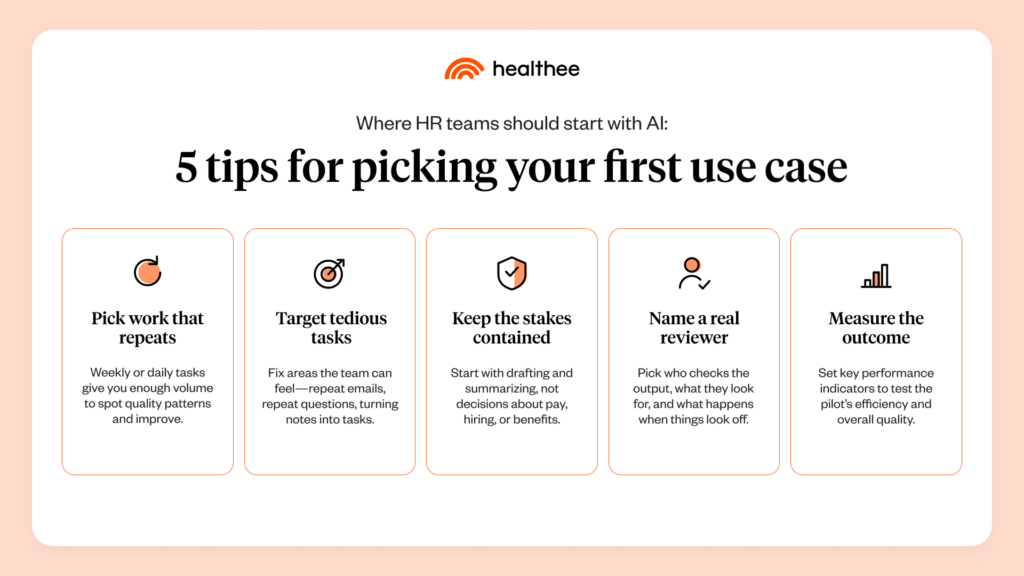
5 tips for how to pick your first use case
A solid starting point is to address a recurring problem your HR team already understands, because that familiarity will make it easier to recognize any “weak output” from AI tools and measure improvement.
Write the workflow in one sentence before evaluating a tool. “Draft our weekly candidate update from approved status notes” is more useful than “use generative AI for recruiting” because specificity creates a boundary around the work.
Strong first use cases are tasks that come up often, consume significant time, can be reviewed by a person, and produce measurable results.
1. Choose work that repeats often enough to give you real data
A task that happens once a year may matter, but it can be a slow way to build experience. If you test weekly or daily tasks, drafts, summaries, and routing tasks, it’ll give your team enough information to refine the process and notice insightful patterns.
2. Choose a problem with visible friction
A first pilot should address work that your team finds especially tedious or time-consuming, such as writing repetitive emails, searching approved documents for the same answers, or converting notes into follow-up tasks. The objective is to reduce the effort your team is dedicating to that work without sacrificing accuracy, clarity, or employee trust.
3. Choose a workflow where mistakes can be caught before they create an issue
Not every AI use case carries the same level of risk. An AI-generated draft that a person reviews before sending is very different from an automated recommendation that could influence hiring, promotion, pay, or benefits.
For your first use case, look for workflows where someone can review the AI’s work and correct mistakes before the output affects an employee or decision. This human review is especially important in HR, where the consequences of an incorrect or biased output can be significant.
Federal employment discrimination protections still apply when AI or other automated technologies are involved (EEOC, 2024).
4. Choose a workflow with a real human checkpoint
You might’ve heard the phrase before, but what does it really mean to “Keep a human in the loop?” Make sure your team thinks about who’s reviewing the output, what conditions they’re looking for, and what happens if information conflicts.
It’s important for organizations to clearly define human roles and responsibilities when you oversee work from AI or make decisions with AI systems (NIST 2023).
5. Choose an outcome you can measure
A pilot becomes much more useful when your team can explain what changed. Capture a baseline such as time required, the number of revisions needed, questions routed to HR, or outputs that pass review without requiring any corrections.
Measure results that indicate both how efficient the pilot was and the quality of the output/content you saw.
Examples of approachable use cases for AI in HR
The right use case depends on your organization, systems, and policies. Still, the following examples show what contained work can look like when a person remains responsible for the final result.
Drafting routine employee communications
AI can turn approved facts into a first draft for reminders, event announcements, policy FAQs, or enrollment communications. Your HR team confirms who the messages are for, required details, tone, and length, then checks every date, link, figure, and instruction before it’s approved.
This use case can help you learn prompting and review habits while also creating a baseline. You can compare drafting time, the number of edits needed, and overall confidence with the previous process.
Summarizing meetings and organizing follow-up
AI can turn approved meeting notes or transcripts into a summary, decision log, or proposed action list. A meeting owner should confirm that the summary reflects what was actually decided and that names, deadlines, and sensitive details are handled correctly.
This is especially useful when administrative follow-up delays otherwise straightforward work. The AI handles all the note-taking, while the people in the meeting can stay present and process each conversation without worrying about writing things down.
Answering common benefits and HR questions
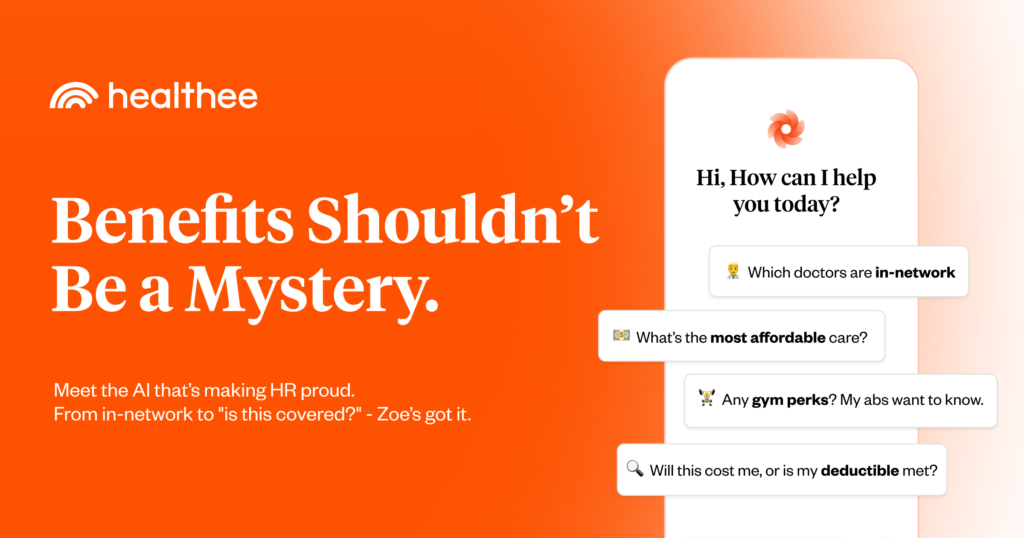
Employees often ask repetitive questions about their health benefits because plan documents and policies are hard to interpret. An AI assistant connected to your company’s current benefits information can make those answers easier to access, while clear escalation paths provide human support for personal or complex situations.
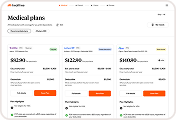
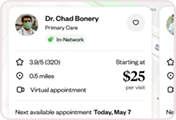
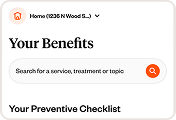
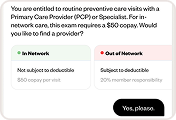
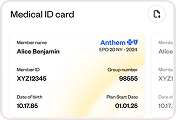
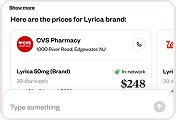
For example, Healthee’s benefits navigation platform uses Zoe (an AI health assistant) to provide real-time support with benefits, coverage, providers, costs, and more. This is a more specialized application than asking a general-purpose tool to interpret benefits information without access to an employee’s actual plan details.
Run a readiness check before the pilot
Once you have a possible workflow, make sure you’ve prepped everything you need before selecting the tool. A short readiness check can reveal whether the use case is genuinely contained or whether important details are still unresolved.
Ask your team:
Can we describe the workflow and intended output in plain language?
Do we know which information the tool will access, retain, or share?
Is an approved person responsible for reviewing the output before it’s used?
Have we defined what the AI must never decide or communicate on its own?
Can we compare time, quality, accuracy, or user confidence with a baseline?
Do employees or candidates need to know that AI is involved in this workflow?
A “no” doesn’t always disqualify the use case. It tells you what needs to happen first, such as confirming data terms with IT, defining an escalation path, or pivoting to a lower-risk workflow for the initial test.
How to keep people at the center of the pilot
Responsible use starts with workflow design, including which information is allowed, who can access the tool, and when a person should take over. A practical risk approach can be organized around four functions: govern, map, measure, and manage.
Govern by establishing clear policies, responsibilities, and oversight for how AI is used
Map the workflow so your team understands where AI is involved, what information it uses, and who could be affected
Measure the system’s performance by looking for errors, inconsistencies, bias, and other risks
Then manage what you find by adding safeguards, adjusting the workflow, or escalating issues when necessary
You can put those principles into practice with a few concrete steps:
Set boundaries before anyone starts prompting
Document what the tool should and shouldn’t do. A drafting tool might reorganize approved content but be prohibited from inventing policy details, interpreting an individual case, or sending a message without review. Clear boundaries also tell users when to stop and ask for help.
Protect employee information
Before introducing a tool into an HR workflow, understand what happens to the information after it’s entered. Ask whether data is stored, how long it’s retained, who can access it, whether it can be used to train models, and whether your organization can control or delete it.
Review for accuracy, fairness, and missing context
AI output can sound confident even when it’s incomplete or wrong. Reviewers should compare it with approved sources, identify assumptions presented as facts, and consider whether the result could affect groups differently.
When you’re dealing with a workflow you’re already familiar with, it makes the review process easier for your team—you can clearly recognize when a “polished” answer has missed the mark.
Measure learning, not just speed
Track the time your team saves alongside any corrections, escalations, quality, or user feedback. A pilot that saves 20 minutes but introduces repeated errors needs adjustment.
Pay attention to what your team had to fix, which questions still required human judgment, and where employees needed additional support. Those findings can help you improve the workflow and decide whether the use case is ready to expand. The goal of an early pilot is to learn where it adds value, where it creates risk, and what safeguards your team needs before using it more broadly.
What comes after you pilot a workflow with AI?
When the pilot ends, compare the result with the baseline, document what reviewers corrected, and ask users where they felt uncertain.
Then decide whether to improve, expand, pause, or stop. A useful pilot should leave behind a clearer workflow, a more informed team, and evidence leadership can understand.
As an HR professional, you don’t need to predict every change AI will bring to the workplace. Choose one recurring workflow, define the boundaries, keep a person accountable for the result, and measure what happens. Confidence comes from building evidence one responsible use case at a time.
Download the AI in HR practical playbook
Download the AI in HR practical playbook
Frequently Asked Questions
What’s the safest way to start using AI in HR?
Begin with a frequent, lower-risk workflow that has approved source material, a clear human reviewer, and a measurable output. Double-check the tool’s safety features with the appropriate internal partners before adding employee or candidate information.
Which HR tasks should not be fully automated?
AI shouldn’t independently make consequential employment or benefits decisions. Hiring, promotion, performance, pay, discipline, leave, accommodations, and healthcare require appropriate human judgment, legal safeguards, and review based on the specific context.
How can HR measure the success of an AI pilot?
Compare the pilot with a baseline using a small mix of metrics. Useful examples include time required, correction rate, escalation volume, output accuracy, reviewer confidence, and feedback from employees or managers who use the workflow.
Does HR need an AI policy before testing a tool?
A comprehensive policy may take time, but a pilot still needs written boundaries before it begins. At minimum, define approved tools and data, prohibited decisions, review ownership, disclosure expectations, and the process for reporting concerns.
How can HR professionals become more confident with AI?
Confidence grows through guided practice. Start with a familiar workflow, compare the output with trusted sources, refine the instructions, and share what the team learns.